
Sizing
The default is 800 × 600 pixels. The width and height HTTP/CLI options override it. Device pixel ratio (devicePixelRatio, default 1) is a separate multiplier on top — it scales output dimensions and rendering precision by N but does not change the chart's logical content area.
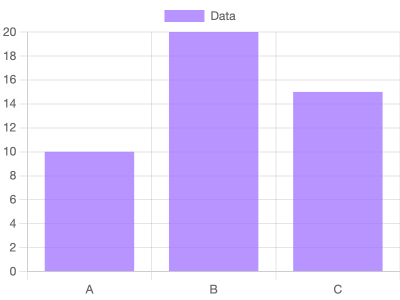
Small size (400 × 300)
Typical for inline thumbnails or email headers.
Renders at 400×300.
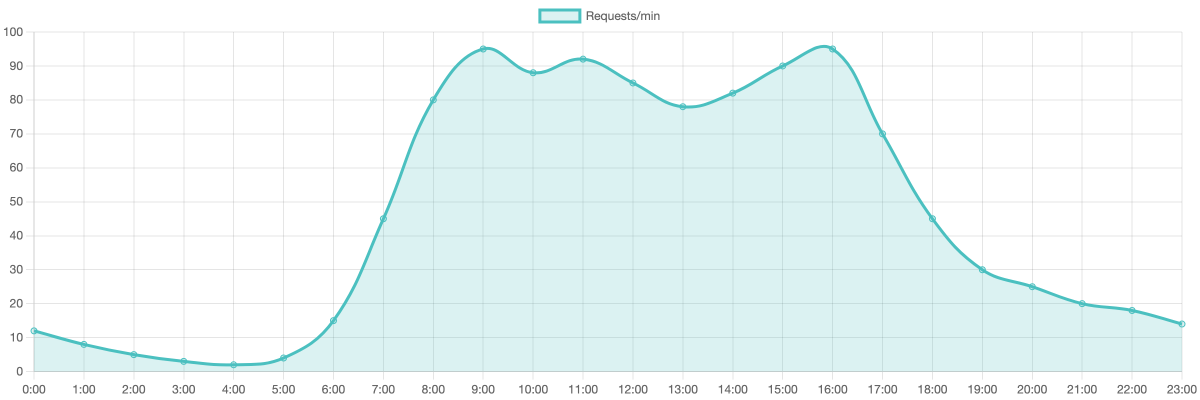
Wide chart (1200 × 400)
Banner / sparkline-style.
Renders at 1200×400.
Tips
- The canvas doesn't reflow for
options.responsive: truein chartjs2img. We set it internally so the chart fills the container, but the container is sized bywidth/heightat request time. - Aspect ratio is usually implicit.
maintainAspectRatiois set tofalseinside the template, so yourwidth×heightis what you get. - Device pixel ratio multiplies output dimensions directly.
devicePixelRatio: 2at 800 × 600 produces a 1600 × 1200 PNG. The chart's layout is computed in 800 × 600 logical pixels, but the render surface (the Skia canvas, or the Puppeteer viewport on the browser engine) and Chart.js's internal canvas buffer rasterize at 2× — so strokes and text both stay crisp. Lower it if you want a smaller file. - The screenshot is of
#chart-container, not the page. No HTML chrome, no margin, no surrounding white space beyond what you put in the chart itself.