
Quick start
Install the chartjs2img binary and render your first chart in under a minute. If you'd rather not pipe a remote script into a shell, see Install for manual alternatives.
Install
Pick the command for your operating system. Both scripts place chartjs2img on your PATH automatically.
macOS / Linux
curl -fsSL https://bin.ideamans.com/install/chartjs2img.sh | bashWindows (PowerShell)
irm https://bin.ideamans.com/install/chartjs2img.ps1 | iexVerify
chartjs2img --helpYou should see the usage banner. If chartjs2img: command not found, open a new shell (so the updated PATH is picked up) or consult Install.
By default this renders on the skia engine — an in-process native Skia canvas that needs no browser at all. Nothing to launch, nothing to download.
If you pass --engine browser, chartjs2img renders through headless Chromium instead (for exact real-browser pixel parity). Chromium is auto-downloaded to your user cache (~250 MB) on first use of that engine only. On linux-arm64 the auto-download is not available — install Chromium from your distro and set CHROMIUM_PATH. Details in Install.
Render your first chart
Pipe a one-line Chart.js config straight into chartjs2img — the render command reads from stdin by default and writes the PNG to -o.
macOS / Linux
echo '{"type":"bar","data":{"labels":["Jan","Feb","Mar"],"datasets":[{"label":"Sales","data":[12,19,3],"backgroundColor":"rgba(54,162,235,0.7)"}]}}' \
  | chartjs2img render -o hello.png
Windows (PowerShell)
'{"type":"bar","data":{"labels":["Jan","Feb","Mar"],"datasets":[{"label":"Sales","data":[12,19,3],"backgroundColor":"rgba(54,162,235,0.7)"}]}}' `
  | chartjs2img render -o hello.png
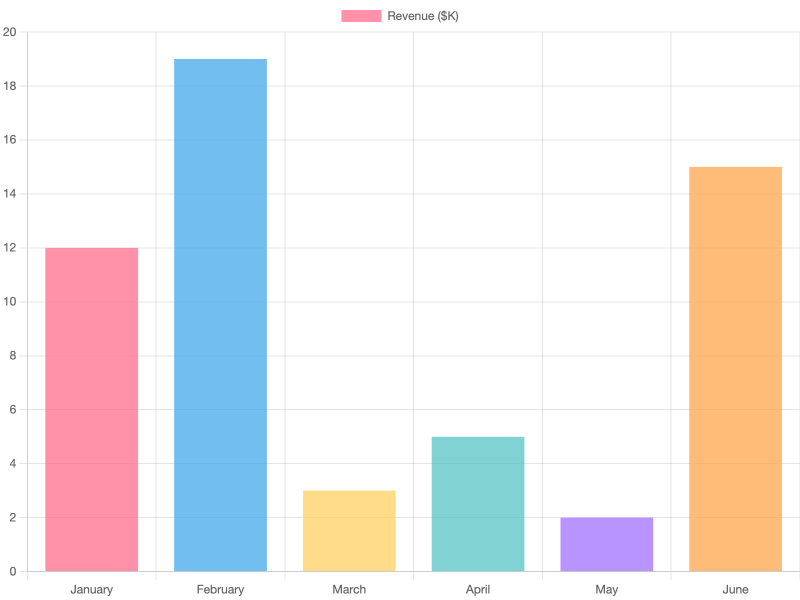
Open hello.png in your image viewer — you should see a three-bar chart. It should come out like this:
Want JPEG, a wider canvas, or a transparent background? The render command takes flags for all of that — see CLI rendering for the full surface.
Where to next
The rest of the User Guide is split into two tracks:
- CLI rendering — the primary workflow. One chart in, one image out. Read this first.
- HTTP server — for long-running services where many clients hit the same renderer. Includes cache, auth, and Docker.
Or first learn what's available:
- Bundled plugins — Chart.js plus 12 ecosystem plugins and which
typevalues they unlock (treemap, sankey, wordcloud, choropleth, …). Bundled into every render without extra setup. - Install — GitHub Releases, build from source, and other ways to get the binary.